Is Memory Pearl a meaningful way to display your favorite memories?
Memory Pearl is designed as a small crystal-style digital keepsake that lets you load personal photos, short videos and music, then replay them inside a glowing display. This review explains what it is, how it works, what the published specifications say, who may like it, and what to check before ordering.
Check Memory Pearl Availability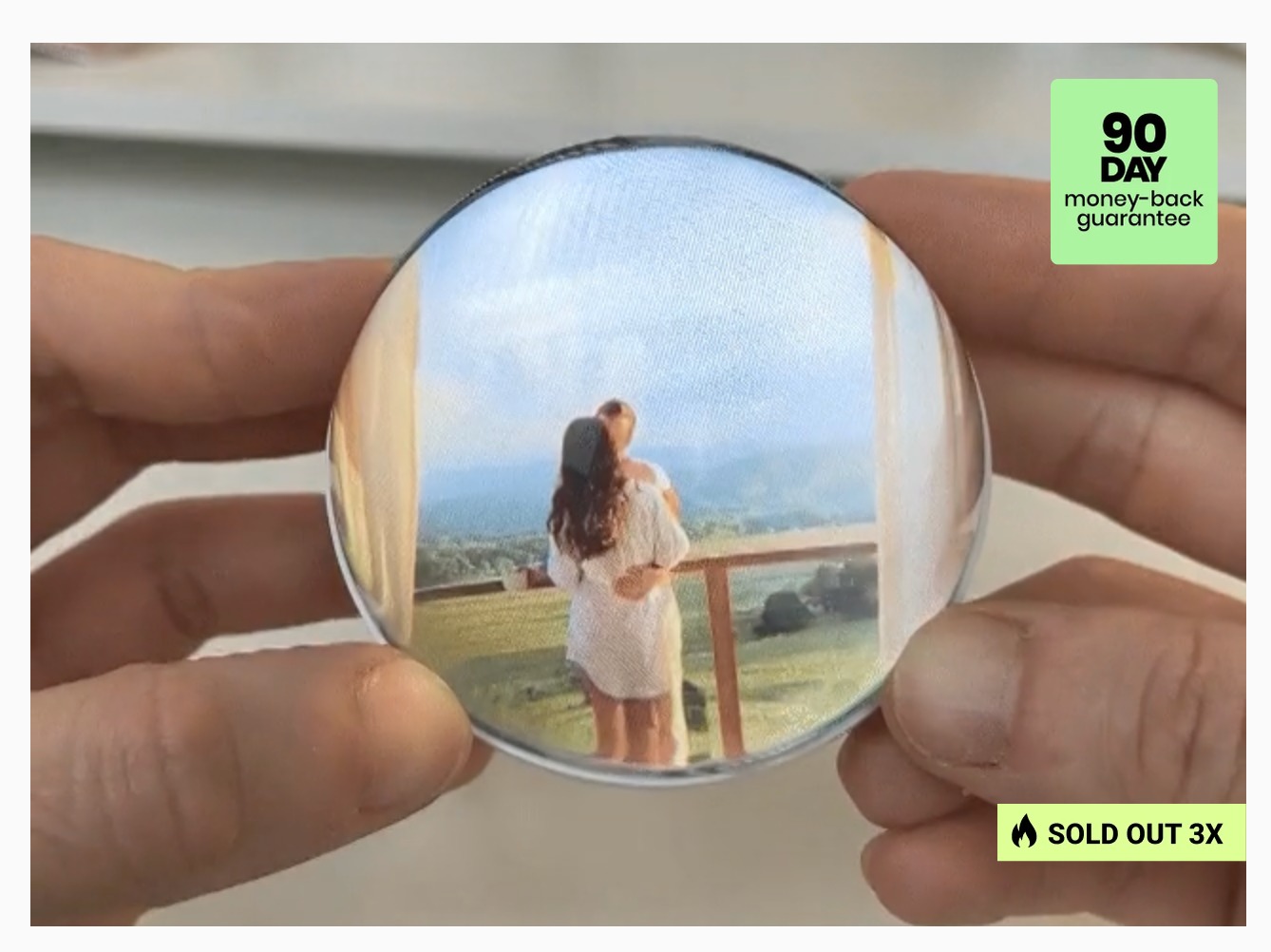
Memory Pearl product photos
These product visuals are supplied for this review page and show the Memory Pearl orb and its display concept.
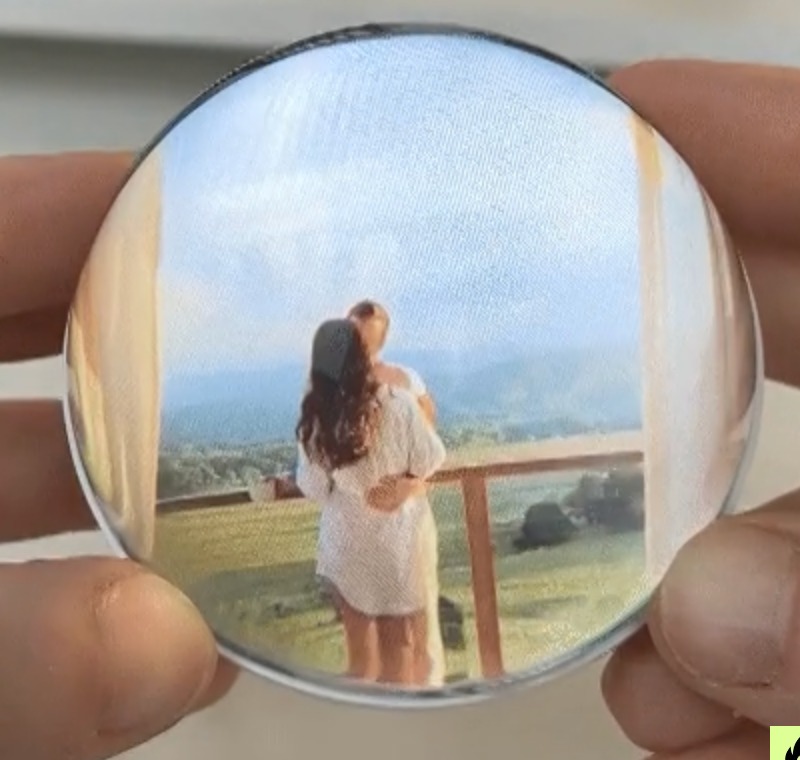
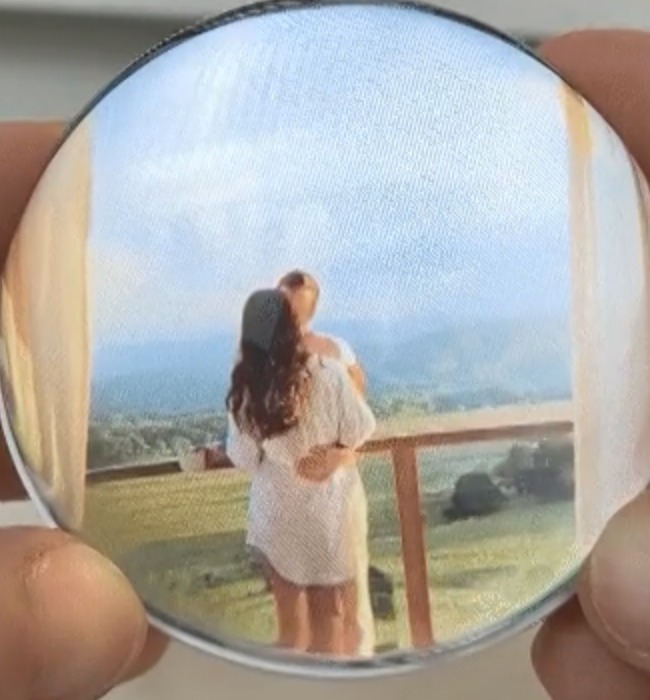
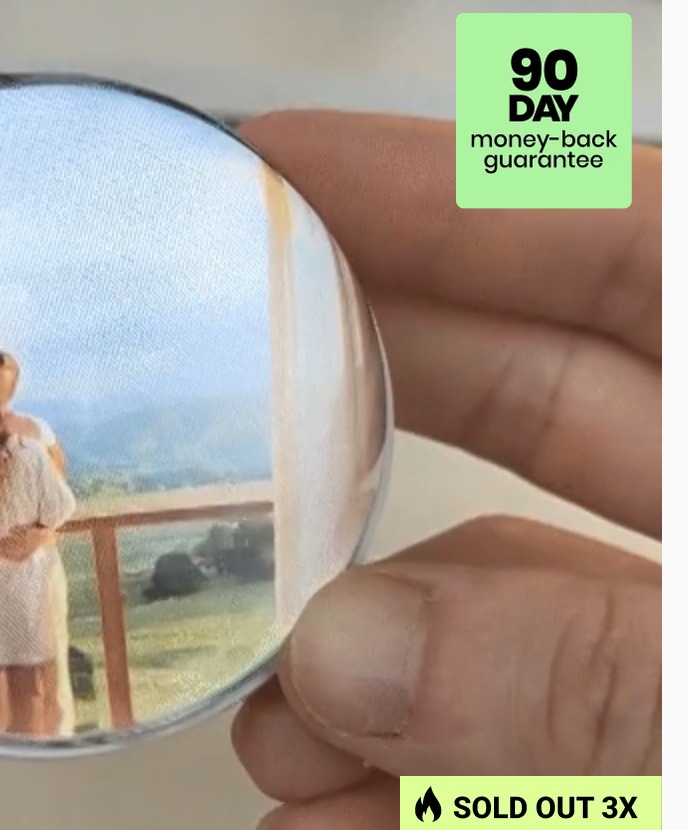
Memory Pearl review at a glance
The product is positioned less like a conventional smart display and more like a sentimental desktop or shelf keepsake. The official product information says it can play short videos with sound, uses a crystal-glass style body with an ABS base, and connects to a PC or Mac over USB for file transfer.
What it is
A compact digital memory display intended for personal photos, short video clips and music. Its main appeal is turning a phone-stored memory into something physical that can sit in a room.
How content is added
The published instructions describe a plug-and-play workflow: connect by USB, open the device folder and drag compatible files into it. No dedicated app is presented as necessary.
Who it suits
It may appeal to gift shoppers, grandparents, couples, parents, families and anyone who prefers sentimental décor over another conventional screen.
What is Memory Pearl?
Memory Pearl is marketed as a digital keepsake that makes personal moments visible and replayable. Rather than keeping every meaningful video buried in a camera roll, the idea is to place one especially important memory in a decorative object that can be displayed at home.
The product information available from the official website describes a crystal-like orb with a built-in display and speaker. The concept is simple: connect the unit to a computer, copy your selected media, disconnect it, and press play. According to the published specifications, the device supports MP4, AVI, MKV and MOV video formats, as well as JPG, BMP and PNG images. The site also describes music playback.
The listed display size is 2.7 inches (7 cm), with 4 GB of built-in storage and support for up to around 10 minutes of HD video. The published battery specification on the official product page is a rechargeable 3.7V 1000mAh battery, described as providing roughly 3–4 hours of continuous playback. These are manufacturer-published specifications rather than independent laboratory measurements, so buyers who need exact performance should confirm the latest specifications before ordering.
One of the strongest parts of the concept is its emotional use case. A short video of a child, a wedding moment, a family celebration, a pet, a parent or a loved one can feel very different when it is turned into a physical keepsake. That makes Memory Pearl particularly interesting as a personalized gift rather than simply another piece of consumer electronics.
Key features and benefits
Here are the main features to consider when deciding whether Memory Pearl fits your needs.
Video playback with sound
The product is designed to replay short personal videos with audio through its built-in speaker. That can preserve not only an image but also a voice, laugh, greeting or piece of music.
Glowing crystal-style display
The rounded display is intended to create a more decorative and emotional presentation than a standard rectangular digital frame. It can work on a desk, shelf, nightstand or mantel.
No complicated app setup
The published workflow uses a USB connection and drag-and-drop file transfer. This can be useful for people who would rather manage files on a computer than learn another smartphone application.
Rechargeable design
The official specifications describe rechargeable operation for wireless viewing. That gives the keepsake more flexibility around a room instead of requiring it to remain connected to a cable during every playback session.
Reusable memory
The content can be changed. If you initially load a birthday clip, for example, you can later replace it with a family holiday, anniversary video, pet memory or another meaningful moment.
Gift-friendly concept
The product's strongest differentiator is personalization. A preloaded video can make the gift feel thoughtful because the recipient receives both the object and a memory chosen specifically for them.
How to set up Memory Pearl
The official instructions describe a straightforward three-step process.
1. Connect
Plug Memory Pearl into a Windows PC or Mac using the included USB cable. The device should appear as a folder or drive so you can access its content folders.
2. Upload
Drag your compatible video, image or music files into the appropriate folder. The product page recommends a short, square video around 720×720 for best results.
3. Enjoy
Disconnect the device, power it on and press play. Your selected memory can then be viewed inside the glowing display. Files can be replaced later by reconnecting the USB cable.
Who should consider Memory Pearl?
Consider it if: you want a sentimental gift, you have a short video that means a lot to you, you prefer simple USB file transfer, or you want a decorative keepsake that can be updated over time.
Think twice if: you need a large screen, extensive cloud functionality, a huge media library, advanced smart-home features or independently verified technical performance. In those cases, comparing Memory Pearl with established digital photo frames may make more sense.
Overall, Memory Pearl is most compelling when the emotional value of the memory matters more than the number of features. The product's simplicity is part of its appeal: choose a moment, load it, and display it.
Memory Pearl FAQ
Can I upload my own video to Memory Pearl?
Yes. The published instructions say you can connect Memory Pearl to a PC or Mac with the included USB cable and drag an MP4 video into the device folder. The product page recommends a short square video around 720×720 for best playback.
Does Memory Pearl work with Mac and Windows?
The official product information says it works with both Windows PCs and Mac computers through the USB file-transfer process.
Can I change the memory later?
Yes. The published instructions say you can reconnect the device and replace the video or other supported files. This means the same keepsake can be updated for different occasions.
Does Memory Pearl need Wi-Fi?
The published setup is based on USB file transfer rather than an app or Wi-Fi connection. Once the content is loaded, playback is designed to happen locally on the device.
What file formats are supported?
The listed formats include MP4, AVI, MKV and MOV for video and JPG, BMP and PNG for images. The product information also describes music playback. Check the latest product documentation if a particular file type is important to you.
How much storage does it have?
The published specification lists 4 GB of built-in storage and describes support for up to about 10 minutes of HD video.
Is Memory Pearl a good gift for grandparents?
It can be a strong fit if they would enjoy seeing family videos in a physical keepsake. A short clip featuring grandchildren, a family celebration or a personal message may be especially meaningful.
What should I check before ordering?
Check the current price, discount, shipping estimate, return or money-back guarantee, included accessories and the latest technical specifications on the official product page. Promotional terms can change over time.
Ready to see the current Memory Pearl offer?
Visit the product website to review the latest price, availability, shipping information and purchase terms before making a decision.
Visit Memory Pearl WebsitePrices and promotions are controlled by the seller and may change. This review does not guarantee a particular discount or delivery time.